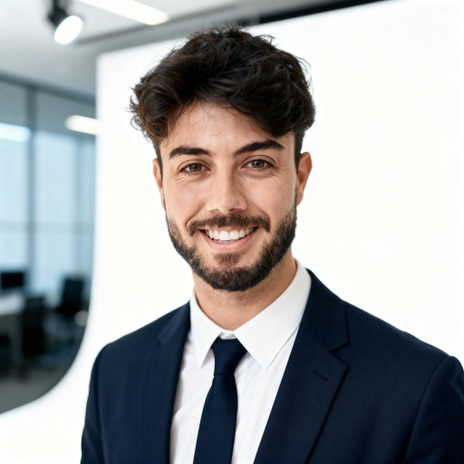
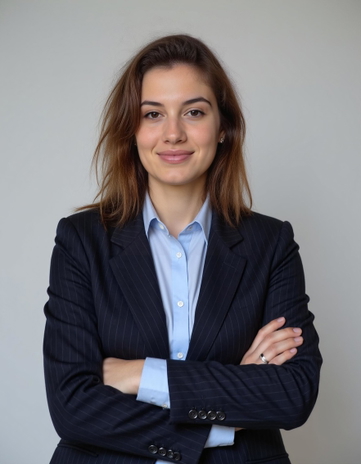
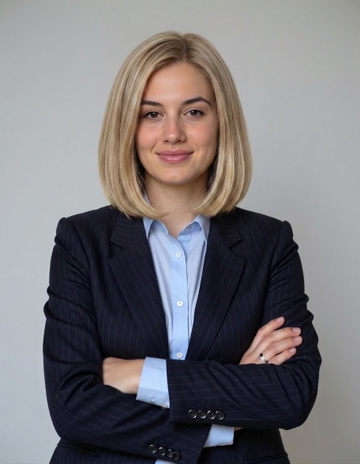
AI PASSPORT PHOTO MAKER

Passport Photos, Compliant in Seconds.

GoStudio.ai turns any phone selfie into a compliant passport, visa, or ID photo, correct background, regulation head size, and print-ready sheets for 10+ country formats.
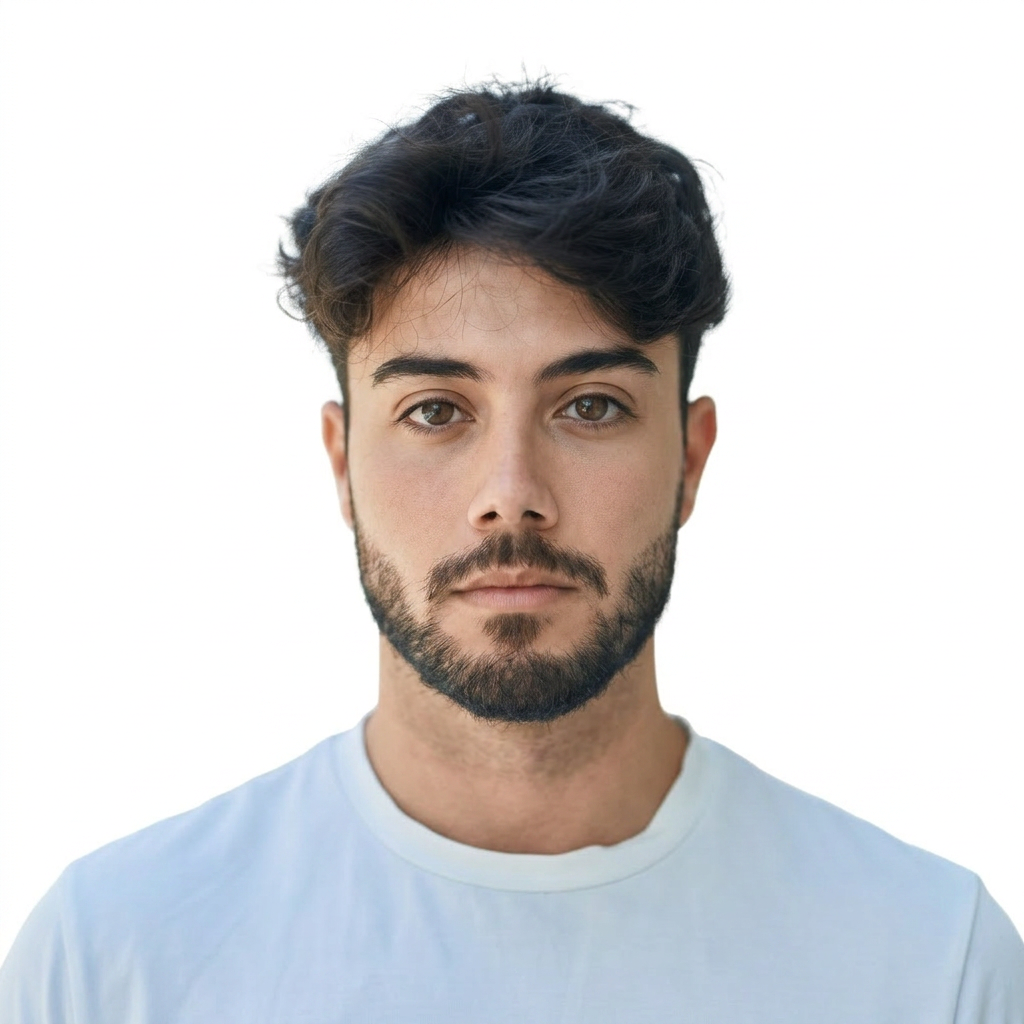
10 free credits No credit card No watermark Meets passport & visa size specs
V2 · Updated June 2026
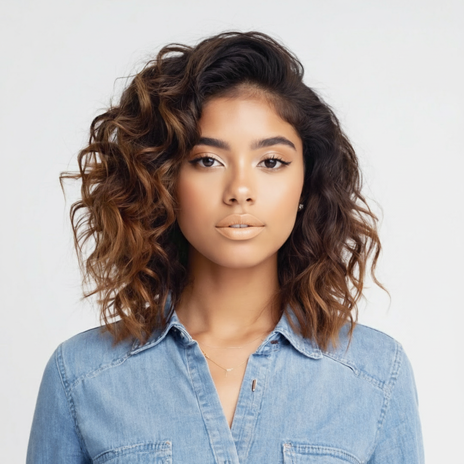
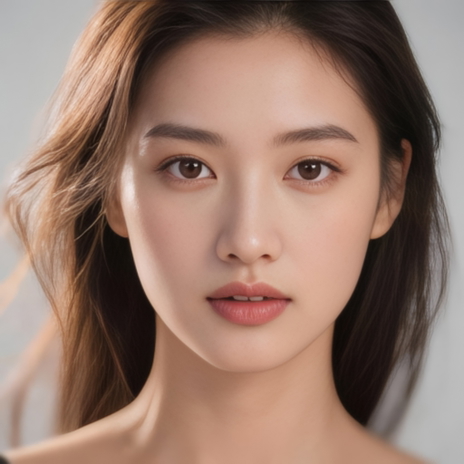
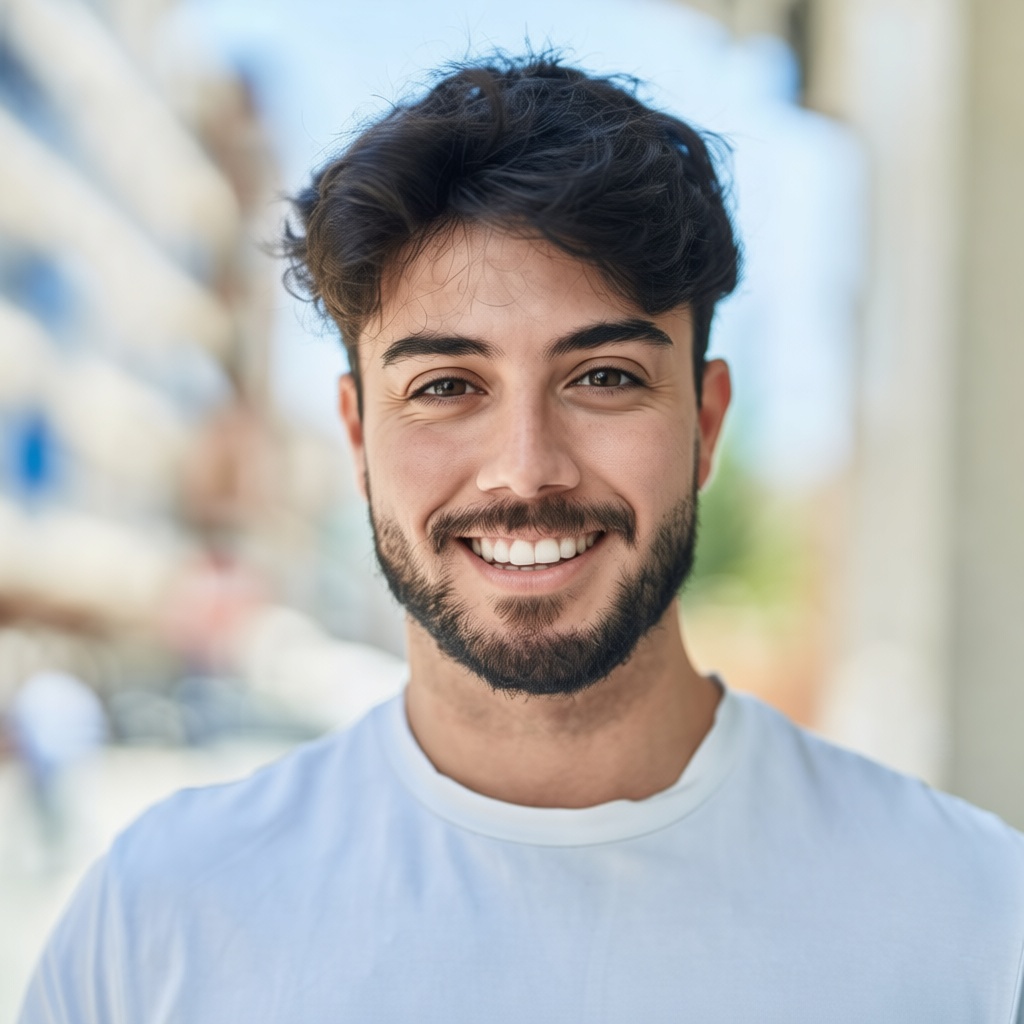
Compliant passport photo after AI conversion
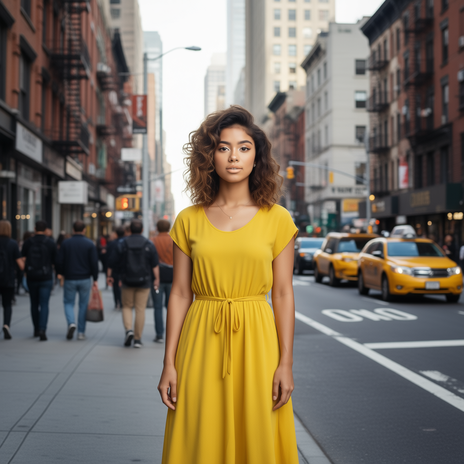
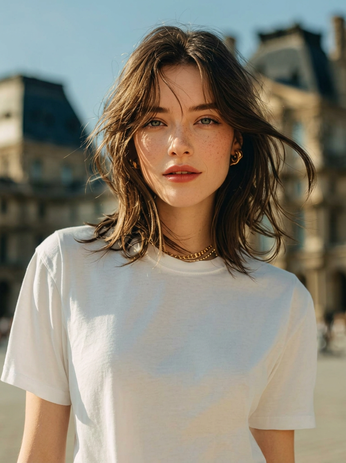
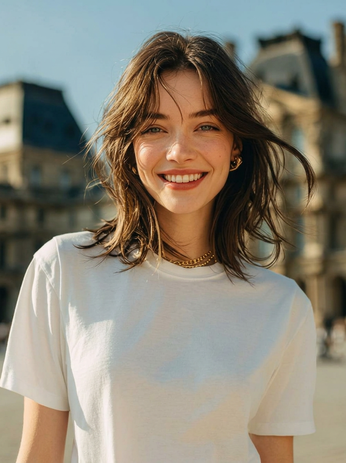
Casual selfie before passport conversion
BeforeAfter

Drop your photo here

PNG, JPG, JPEG, WEBP, HEIC — up to 10MB

No image to test? Try one of our samples

HOW IT WORKS

3 Steps to a Compliant Passport Photo

Turn one selfie into a compliant document photo, exact dimensions, background colour and head size for your country. No studio, no photo booth.

or drag & drop here

PNG, JPG, WEBP up to 10MB

1

Upload a selfie

A plain front-facing phone photo is enough, daylight is best. Any PNG, JPG, WEBP, or HEIC up to 10MB works.
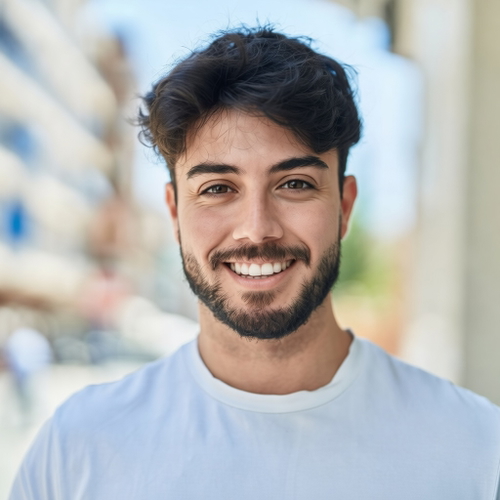
Selecting passport country format
2

Pick the country format

Choose US passport, Schengen visa, UK, India, Canada, Japan, our AI auto-applies the exact dimensions, background colour, and head-size rules.
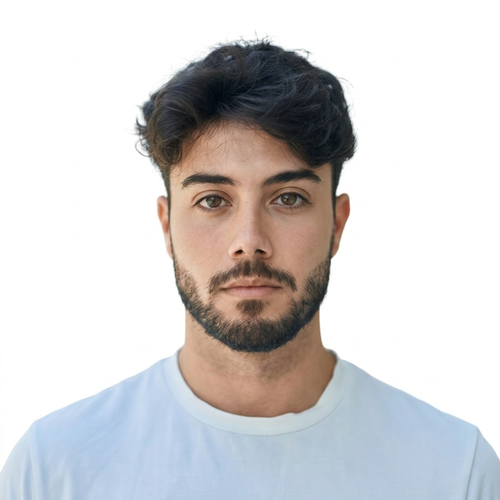
Download compliant passport photo
3

Download your photo

Your compliant photo is ready to save. Download a single high-res file for online portals or a print-ready 4×6 sheet, sized, cropped, and formatted to the exact spec of your chosen country.

COUNTRY FORMATS

Pick your country

Exact dimensions, background rules, and biometric specs for the 10 most common passport and visa formats.

🇺🇸

US Passport

Passport
Dimensions
2×2 in (51×51 mm)
DPI / File size
300 DPI · 240 KB, 2 MB
Background
Plain white
Head size
Head 50-69% of frame · chin-to-crown 1″, 1⅜″

Must be taken within 6 months. No glasses. Neutral expression, both eyes open.

Passport photo-taking tips

Follow these guidelines to create the perfect passport picture.

1

Consider the distance

Keep your front-facing camera 16–20 inch (40–50 cm) away from the face. For rear cameras, keep a 4–6 foot (1–2 meter) distance.
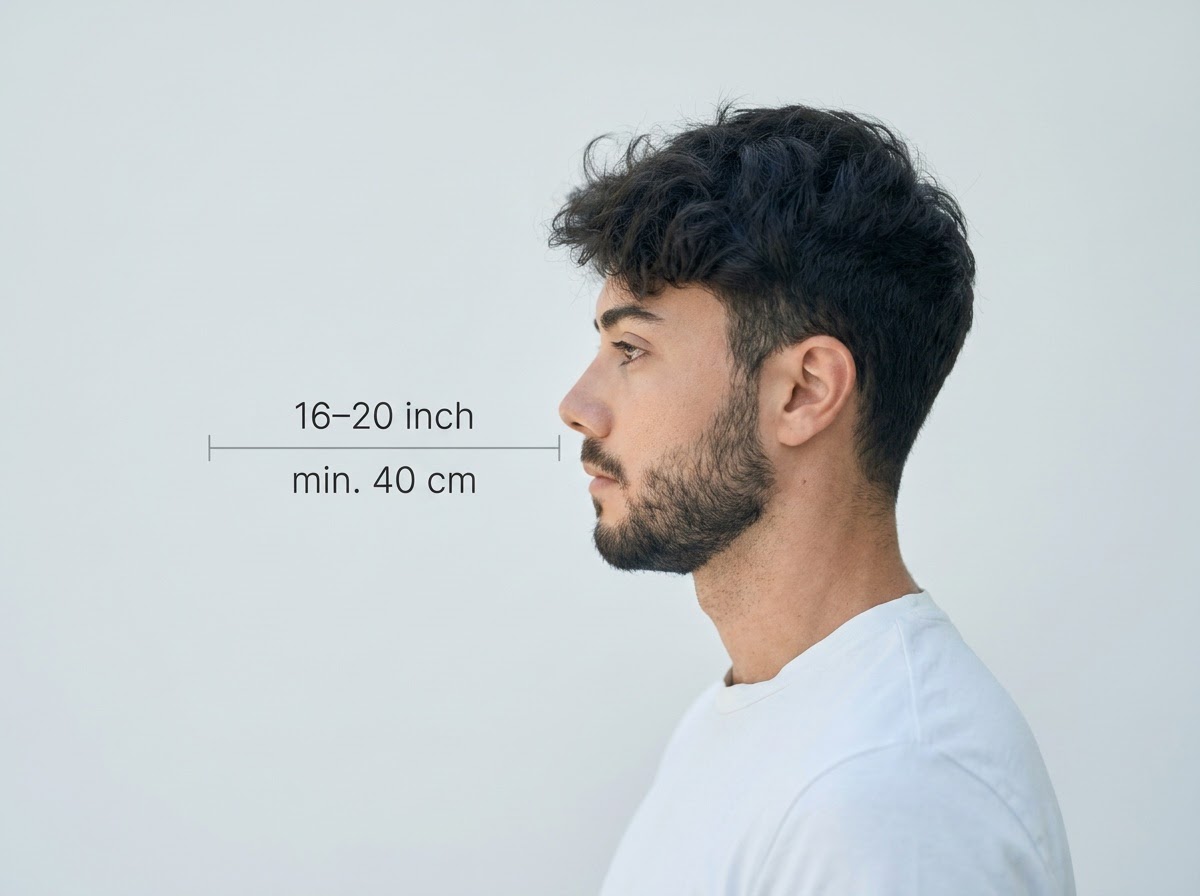
Consider the distance
2

Keep your head and body straight

Look directly into the camera and avoid tilting your body. Portrait mode is unacceptable for passport photos.
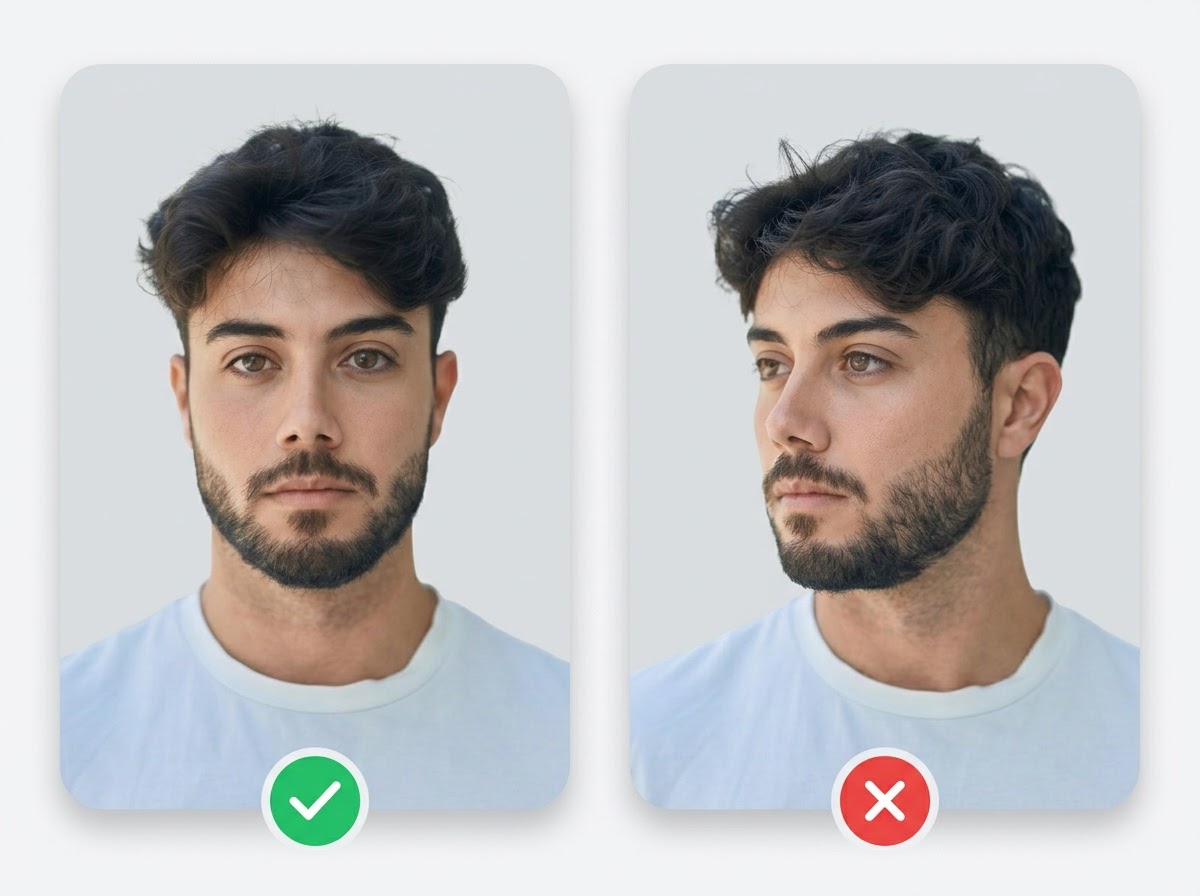
Keep your head and body straight
3

Prepare good lighting

Take your passport photos in a daylight setting, like near a window on a sunny day. Shadows on your face or in the background are not permitted.
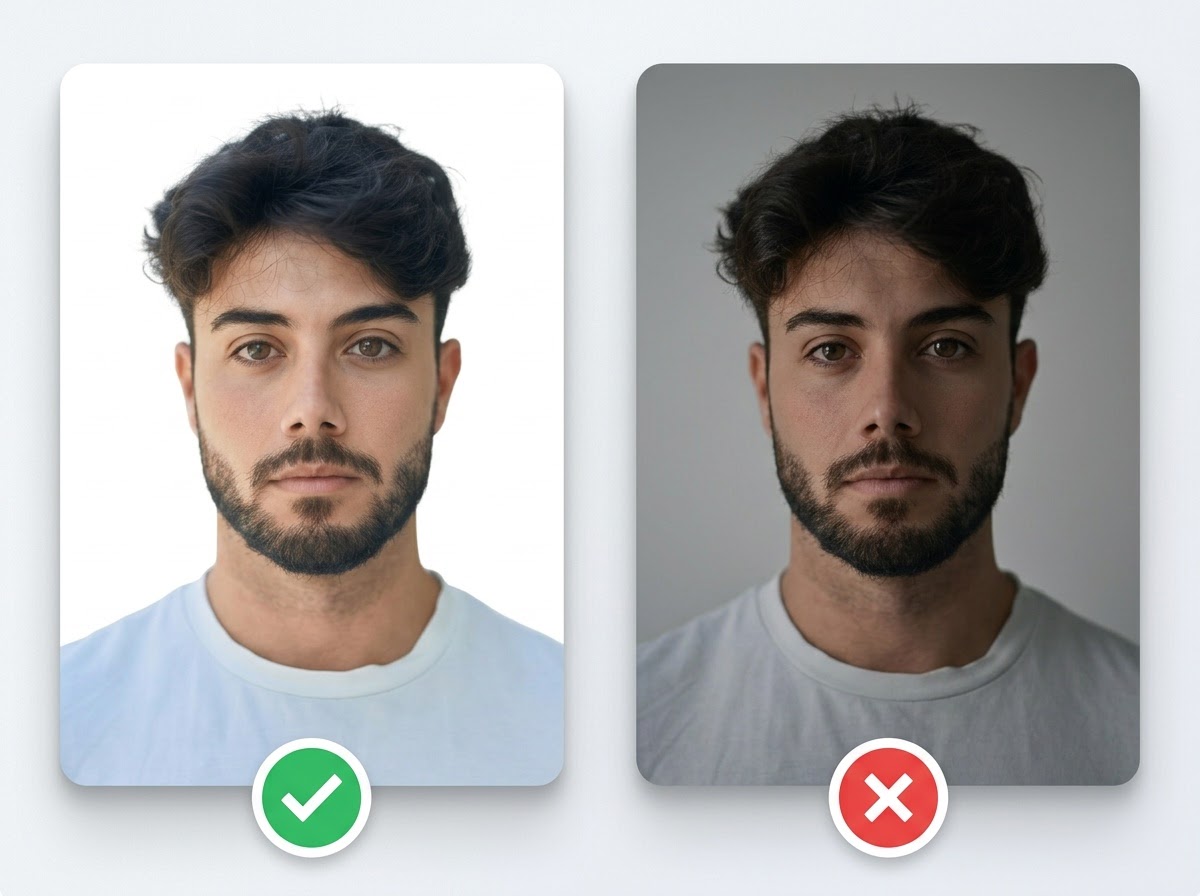
Prepare good lighting

Simple pricing.
Pay only for what you use.

Every plan unlocks every AI model and every editing tool. Pick the credit pack that fits.

Lite

Billed monthly

Get Lite plan

80 credits/month

GPT Image 2 · 8 images

Nano Banana 2 · 10 photos

Wan 2.7 · 1 video

Seedance 2 · 1 video (5s)

Full access to all AI image & video models

Pro

Billed monthly

Get Pro plan

160 credits/month

GPT Image 2 · 16 images

Nano Banana 2 · 20 photos

Wan 2.7 · 2 videos

Seedance 2 · 2 videos (5s)

Full access to all AI image & video models

Max

Billed monthly

Get Max plan

500 credits/month

GPT Image 2 · 50 images

Nano Banana 2 · 62 photos

Wan 2.7 · 9 videos

Seedance 2 · 8 videos (5s)

Full access to all AI image & video models

Sign up for 10 free credits — no credit card required. Free credits go to eligible new accounts. Seeing wrong pricing? Contact us

Our Best Tools

Tools that pair well with this one.
TESTIMONIALS

Real customers.
Real reviews.

Every review is written by a real user on social media — not edited, not incentivised. Click any review to see the original post.

Two years ago we spent thousands on branded images and professional headshots. Then I found GoStudio.ai — it helps you look like yourself, just on your best, most confident day.

Sometimes, you don't need a photo shoot to look like your future self. You just need a visual story that says, 'I made it.' That's where GoStudio.ai can help.
The founder personally fixed all of my photos. Her commitment to giving everyone an excellent experience makes her a cut above many others. I have to give the experience 5 stars.
The images look so close to my original that if I didn't tell you they were AI-generated, you'd probably never notice. AI is your assistant — not your identity.
Kanika personally hopped on a call to help. That level of professionalism and kindness really impressed me. The AI photo is beautiful — GoStudio.ai makes professional identity accessible.
GoStudio.ai helped me show up as who I'm actually becoming — not who I thought I was supposed to be. It replaced two photographers and a retoucher for our catalog.
Kanika built GoStudio.ai — an app that turns your daily selfies into professional photos. She built it solo, and it's jaw-droppingly good.

I've seen other companies do AI headshots, but I've found her images to be the best. Dozens of images in 30 minutes — why do this yourself?
Two years ago we spent thousands on branded images and professional headshots. Then I found GoStudio.ai — it helps you look like yourself, just on your best, most confident day.

Sometimes, you don't need a photo shoot to look like your future self. You just need a visual story that says, 'I made it.' That's where GoStudio.ai can help.

The founder personally fixed all of my photos. Her commitment to giving everyone an excellent experience makes her a cut above many others. I have to give the experience 5 stars.

The images look so close to my original that if I didn't tell you they were AI-generated, you'd probably never notice. AI is your assistant — not your identity.

Kanika personally hopped on a call to help. That level of professionalism and kindness really impressed me. The AI photo is beautiful — GoStudio.ai makes professional identity accessible.

GoStudio.ai helped me show up as who I'm actually becoming — not who I thought I was supposed to be. It replaced two photographers and a retoucher for our catalog.

Kanika built GoStudio.ai — an app that turns your daily selfies into professional photos. She built it solo, and it's jaw-droppingly good.

I've seen other companies do AI headshots, but I've found her images to be the best. Dozens of images in 30 minutes — why do this yourself?

38+
AI TOOLS
200+
WORKFLOWS
20+
AI MODELS
From $3.90
NO MONTHLY COMMITMENT

Everything About Passport Photos, Answered

A passport photo is a standardized portrait required by governments to verify your identity in travel and ID documents. GoStudio.ai generates compliant passport photos from any phone selfie, applying the correct dimensions, background colour, head-size ratio, and resolution for your specific country format, without a studio visit or physical photo booth.

What makes a passport photo officially compliant?

A compliant passport photo must meet four measurable criteria set by the issuing government: (1) exact print dimensions, most countries use 35×45 mm or 2×2 inches; (2) head size, your chin-to-crown measurement must fall within a defined range, typically covering 70-80% of the frame; (3) background, a specific colour, almost always plain white, though Germany requires neutral grey and the UK accepts cream; (4) resolution, typically 300 DPI minimum, with Germany requiring 600 DPI for biometric ID cards. Any single deviation is grounds for rejection.

How does an AI passport photo maker work?

GoStudio.ai analyses your uploaded selfie using computer vision to detect facial landmarks, the chin, crown, eyes, and ears. It then removes and replaces the background with the regulation colour for your chosen country, resizes and crops the image so the face occupies the required percentage of the frame, and exports the result at the correct dimensions and DPI. The entire process takes under 30 seconds and produces a file ready for both digital submission and 4×6 print sheets.

Can I use a selfie, or does it need to be a professional photo?

A selfie works, it's the intended input. The three conditions that matter: shoot in natural daylight (not under strong overhead lighting that casts shadows), stand against a plain light-coloured wall, and remove glasses. The AI handles background, sizing, and colour correction. A camera-quality DSLR photo helps, but smartphone photos taken in good light consistently pass government checks.

Why do passport photos get rejected, and how do I avoid it?

The most common rejection reasons are: glasses (banned in the US since 2016, and in most countries since ICAO biometric rules took effect); shadows on the face or background from poor lighting; a head that is tilted, turned, or too small or large in the frame; and an expression other than neutral with mouth closed. GoStudio.ai corrects every technical specification automatically, the issues it cannot fix are source-photo problems like heavy shadows, motion blur, or heavy filters. Start with a clear, well-lit front-facing photo and rejection becomes very unlikely.

What is the difference between a passport photo and a visa photo?

They are the same category of document photo but with different specifications per application type. A US passport photo is 2×2 inches (51×51 mm). A Chinese visa photo is 33×48 mm with a digital file size of exactly 354×472 pixels. A UAE visa photo is 43×55 mm, notably larger than most passport formats. GoStudio.ai stores the exact specifications for each document type, so selecting the right country format automatically applies the correct rules.

How long is a passport photo valid?

Most governments require the photo to represent your current appearance. The US Department of State requires photos taken within the last 6 months. The UK HM Passport Office requires a photo taken within 1 month for renewals. Australia and Canada require photos taken within 6 months. If significant appearance changes have occurred, hair colour, weight, surgery, or aging, a newer photo is required regardless of the time limit.

Do passport photo requirements change between countries?

Yes, and the differences are specific. Background colour: the US, India, Singapore, Canada, China, and UAE require pure white; the UK requires cream or light grey; Germany requires neutral mid-grey. Head size: the US requires the face to fill 50-69% of the frame while India requires 75-80%. Dimensions: Canada uses the unusually tall 50×70 mm format while most of Europe uses 35×45 mm. Resolution: Germany requires 600 DPI while most countries require 300 DPI. These are not stylistic choices, each requirement comes from an official government specification document.

Is it legal to make your own passport photo?

Yes, in every country. There is no legal requirement to use a professional photographer or photo booth. Governments specify technical standards, not how those standards must be achieved. DIY passport photos, taken at home and printed at a drugstore or submitted digitally, are accepted everywhere, provided the photo meets the stated specifications. GoStudio.ai produces output in the required format for direct submission or printing.

AI Passport Photo vs. Photo Booth: Key Differences

  • Cost: A photo booth typically charges $12-16 for two prints. GoStudio.ai starts free, new accounts get 10 credits with no credit card, and you pay only if you choose to print, which costs under $1 at any drugstore.
  • Country format selection: Photo booths are configured for one or two formats (usually US passport). GoStudio.ai covers 10+ country-specific formats, including dimension, DPI, background colour, and head-size rules, in a single tool.
  • Retakes: At a booth, a bad photo means paying again. With GoStudio.ai, you can upload a new selfie and regenerate, useful if the first source photo had shadows or suboptimal framing.
  • Digital delivery: Most booths produce only physical prints. GoStudio.ai exports a print-ready 4×6 sheet and a single high-resolution digital file, both suitable for digital visa portals that require image uploads.
  • Background accuracy: Booths rely on the physical backdrop being correctly illuminated. AI background removal on GoStudio.ai produces a perfectly uniform background regardless of what was behind you in the original photo, including coloured walls or outdoor settings.

AI Passport Photo Maker, FAQ

Everything about biometric, visa, and ID photos.

STILL LOOKING?

Didn't find what you came for? Tell us.

You scrolled the whole way so tell us what you're trying to create. A real person on our team will help you make it, point you to the right tool, or build it if it doesn't exist yet. Every GoStudio feature started exactly like this.

Contact Us