


Edit any photo, all in one place
Crop, finetune, filter, watermark, draw and resize — every edit happens right in your browser. Nothing is uploaded, so your photos stay yours.
Edit any photo in three steps
Upload, edit, download — free. Every change happens in your browser, and your photo never leaves your device.
Click or drag and drop
PNG, JPG, HEIC up to 10MB
Upload your photo
Drop in any JPG, PNG or WEBP. It opens straight in the free editor — no account, nothing uploaded to a server.
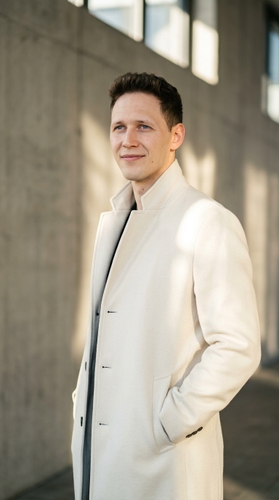
Edit with the tools
Crop, finetune, filter, watermark, draw or resize. Adjust until the photo looks exactly the way you want.
.jpeg_202606251431.jpeg?width=720&height=500 "Download your edited image")
Download and share
Export in full quality and share anywhere — free. Nothing was uploaded, so the original stays private.
REAL EDITS
Every edit, before and after
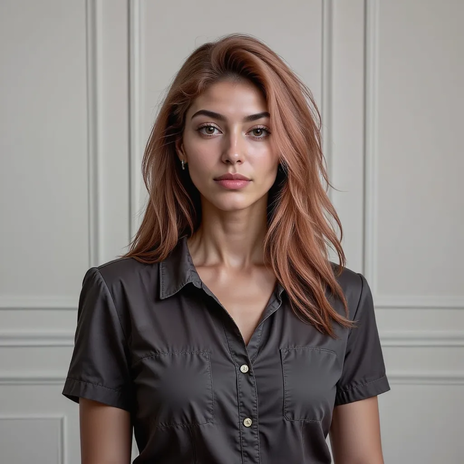
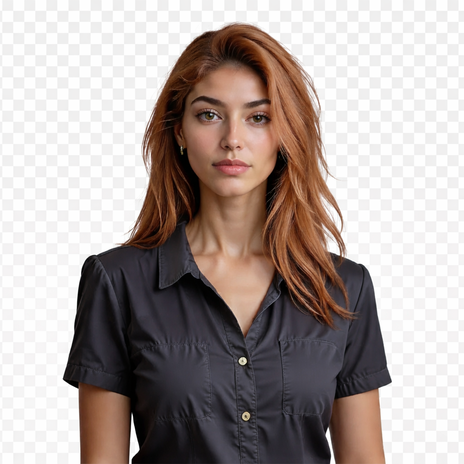
Filter, finetune, crop and watermark — see exactly what the GoStudio editor does, all free and right in your browser.
One-tap filters
Apply a ready-made filter to set the mood — warm, cool, mono or vivid — then adjust the strength until it looks right.
.jpeg "Photo before a filter is applied") Before
Before After
AfterPro finetune controls
Dial in brightness, contrast, saturation, exposure and full HSV — the controls you expect from desktop apps, in one panel.
 Before
 After
AfterCrop & straighten
Crop to any aspect ratio, rotate and straighten — frame the shot exactly the way you want before you export.
.jpeg "Photo before cropping and straightening") Before
Before After
AfterAdd a watermark or logo
Drop on a text or logo watermark and position it anywhere — protect your work and keep every image on-brand. All free.
 Before
.jpeg_202606251431.jpeg "Photo with a logo or text watermark added") After
AfterNeed more than manual edits?
Add an object that was never there, remove one that was, or extend the frame to fit any crop — the AI Editor generates it to match the light, angle and detail of your original photo.
AI Editor Before
.png "Photo extended into a wide landscape by the AI Editor") After
AfterWho uses the GoStudio Editor?
.jpeg?width=960&height=541 "Photo before editing for a social post") BEFORE
BEFORE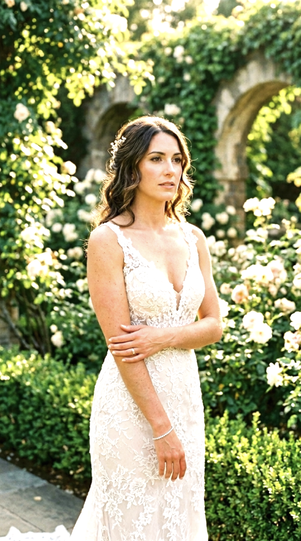 AFTER
AFTERMade for social
Crop to the right aspect ratio, add a filter, and resize for Instagram, TikTok or LinkedIn in a few clicks.
Our Best Tools
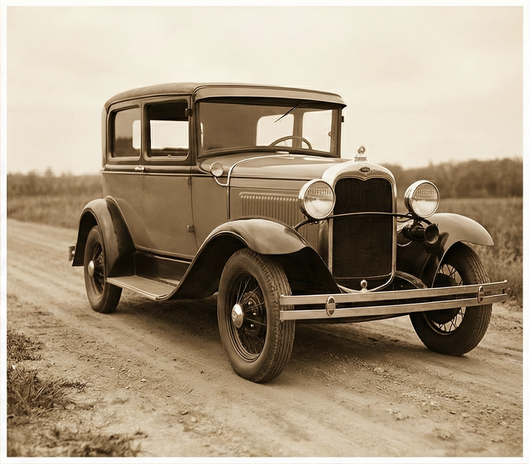
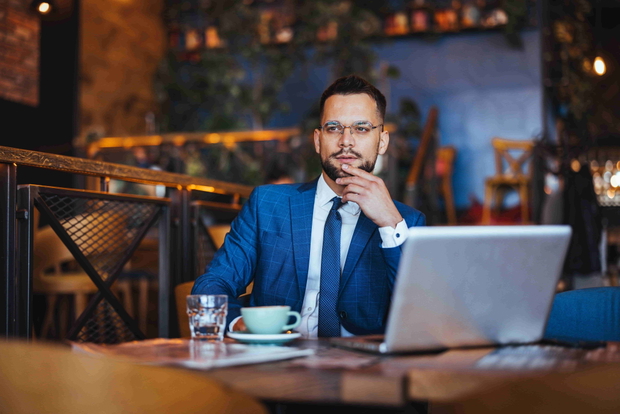
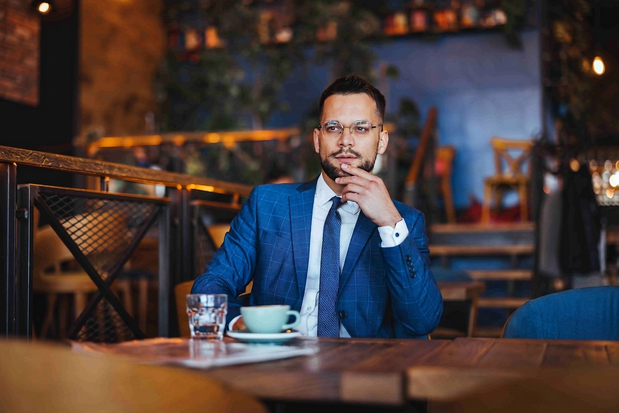
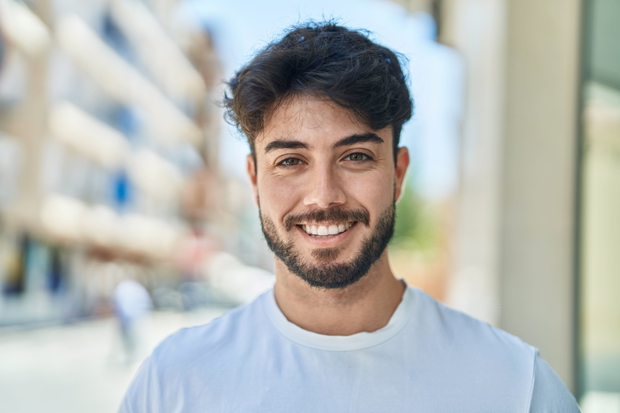
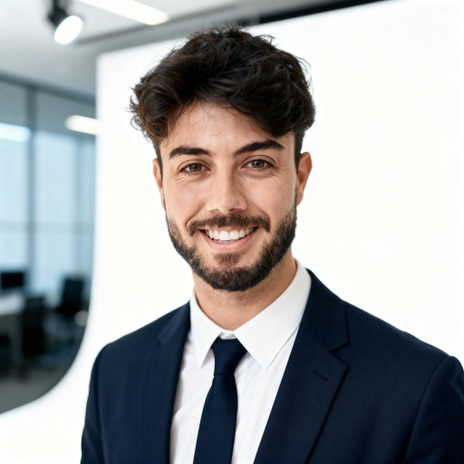
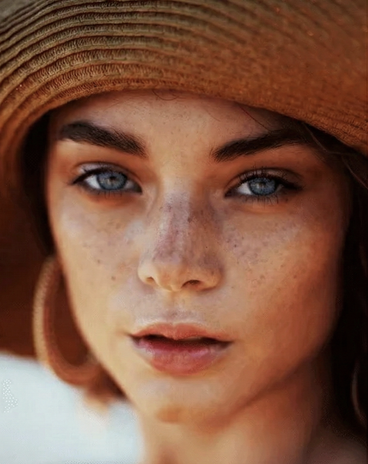
After enhancing, these are the tools creators and businesses use most on GoStudio.
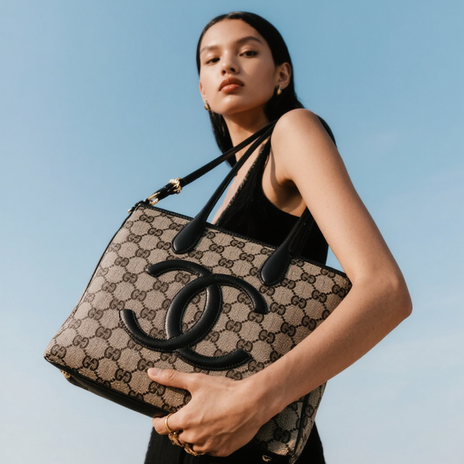
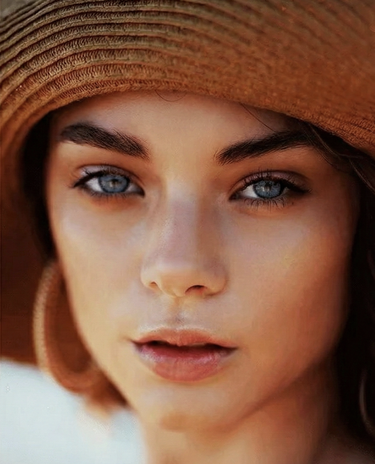
.png?width=620&height=464 "AI Outpaint after")
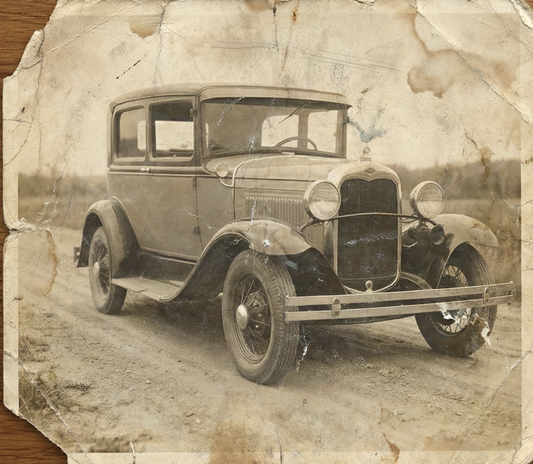
TESTIMONIALS
Real customers.
Real reviews.
Every review is written by a real user on social media — not edited, not incentivised. Click any review to see the original post.
Two years ago we spent thousands on branded images and professional headshots. Then I found GoStudio.ai — it helps you look like yourself, just on your best, most confident day.

Sometimes, you don't need a photo shoot to look like your future self. You just need a visual story that says, 'I made it.' That's where GoStudio.ai can help.
The founder personally fixed all of my photos. Her commitment to giving everyone an excellent experience makes her a cut above many others. I have to give the experience 5 stars.
The images look so close to my original that if I didn't tell you they were AI-generated, you'd probably never notice. AI is your assistant — not your identity.

Kanika personally hopped on a call to help. That level of professionalism and kindness really impressed me. The AI photo is beautiful — GoStudio.ai makes professional identity accessible.
GoStudio.ai helped me show up as who I'm actually becoming — not who I thought I was supposed to be. It replaced two photographers and a retoucher for our catalog.
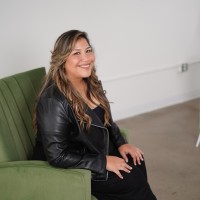
Kanika built GoStudio.ai — an app that turns your daily selfies into professional photos. She built it solo, and it's jaw-droppingly good.

I've seen other companies do AI headshots, but I've found her images to be the best. Dozens of images in 30 minutes — why do this yourself?
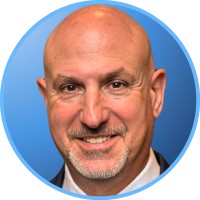
Two years ago we spent thousands on branded images and professional headshots. Then I found GoStudio.ai — it helps you look like yourself, just on your best, most confident day.
Sometimes, you don't need a photo shoot to look like your future self. You just need a visual story that says, 'I made it.' That's where GoStudio.ai can help.
The founder personally fixed all of my photos. Her commitment to giving everyone an excellent experience makes her a cut above many others. I have to give the experience 5 stars.
The images look so close to my original that if I didn't tell you they were AI-generated, you'd probably never notice. AI is your assistant — not your identity.
Kanika personally hopped on a call to help. That level of professionalism and kindness really impressed me. The AI photo is beautiful — GoStudio.ai makes professional identity accessible.
GoStudio.ai helped me show up as who I'm actually becoming — not who I thought I was supposed to be. It replaced two photographers and a retoucher for our catalog.
Kanika built GoStudio.ai — an app that turns your daily selfies into professional photos. She built it solo, and it's jaw-droppingly good.
About the GoStudio Image Editor
Image Editor — FAQs
Everything about editing your photos in the browser with GoStudio.
Ready to edit your photo?
Upload an image and start cropping, filtering and resizing in seconds — free, private, and right in your browser. No sign-up, nothing uploaded.