Creative AI Upscaling
GoStudio.ai's creative AI upscaler adds new artistic detail and texture to your image, turning sketches, low-res art, and AI generations into high-def results.


Generative detail — invents fine texture.
Drop your photo here
PNG, JPG, WEBP or HEIC — up to 20MB
No image to test? Try one of our samples
3 Steps to a Stunning High-Res Image
Creative upscaling raises resolution while generating new artistic detail. Upload a low-res or rough image and AI reimagines it in high definition.
or drop an image here
PNG, JPG, WEBP up to 10MB
Upload your image
Drop in a rough sketch, low-res artwork, an AI generation, or any image you want to enhance, up to 10MB in PNG, JPG, or WEBP.
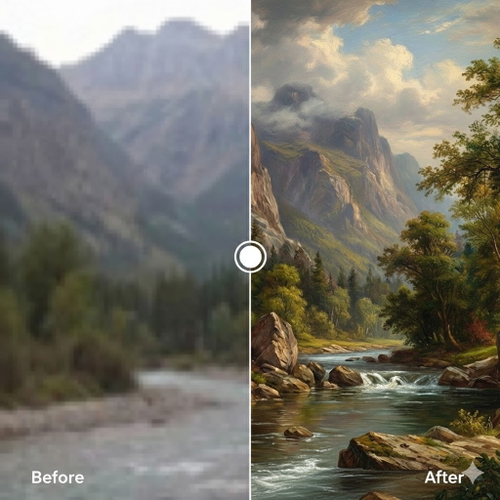
AI adds creative detail
Our generative AI reconstructs the image with realistic textures, artistic detail, and high-definition quality, going beyond what was in the original.
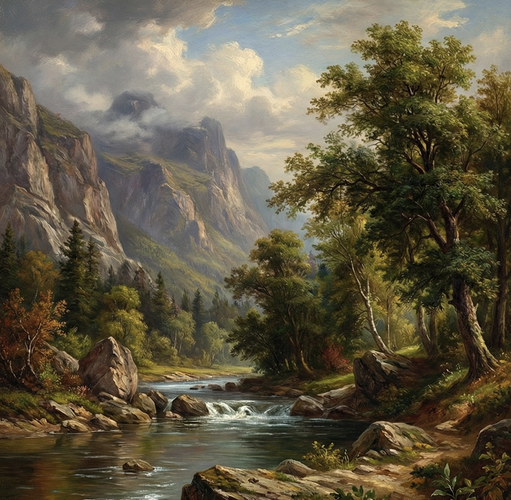
Download your masterpiece
Preview and download your full-resolution creatively enhanced image, no watermark, no subscription.
USE CASES
What Is Creative Upscaling Used For?
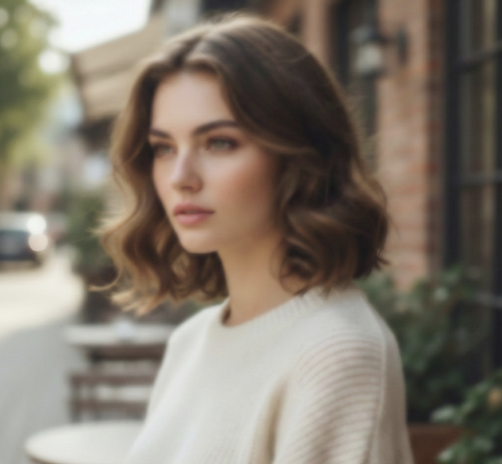
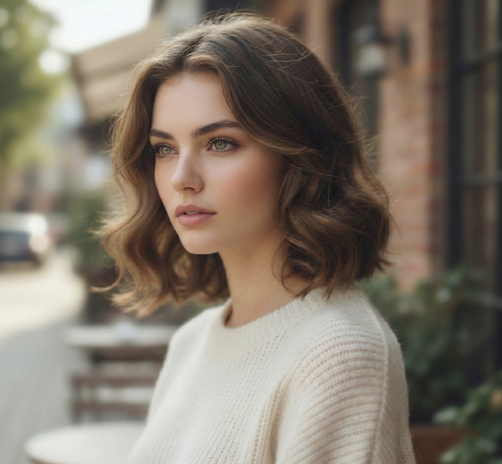
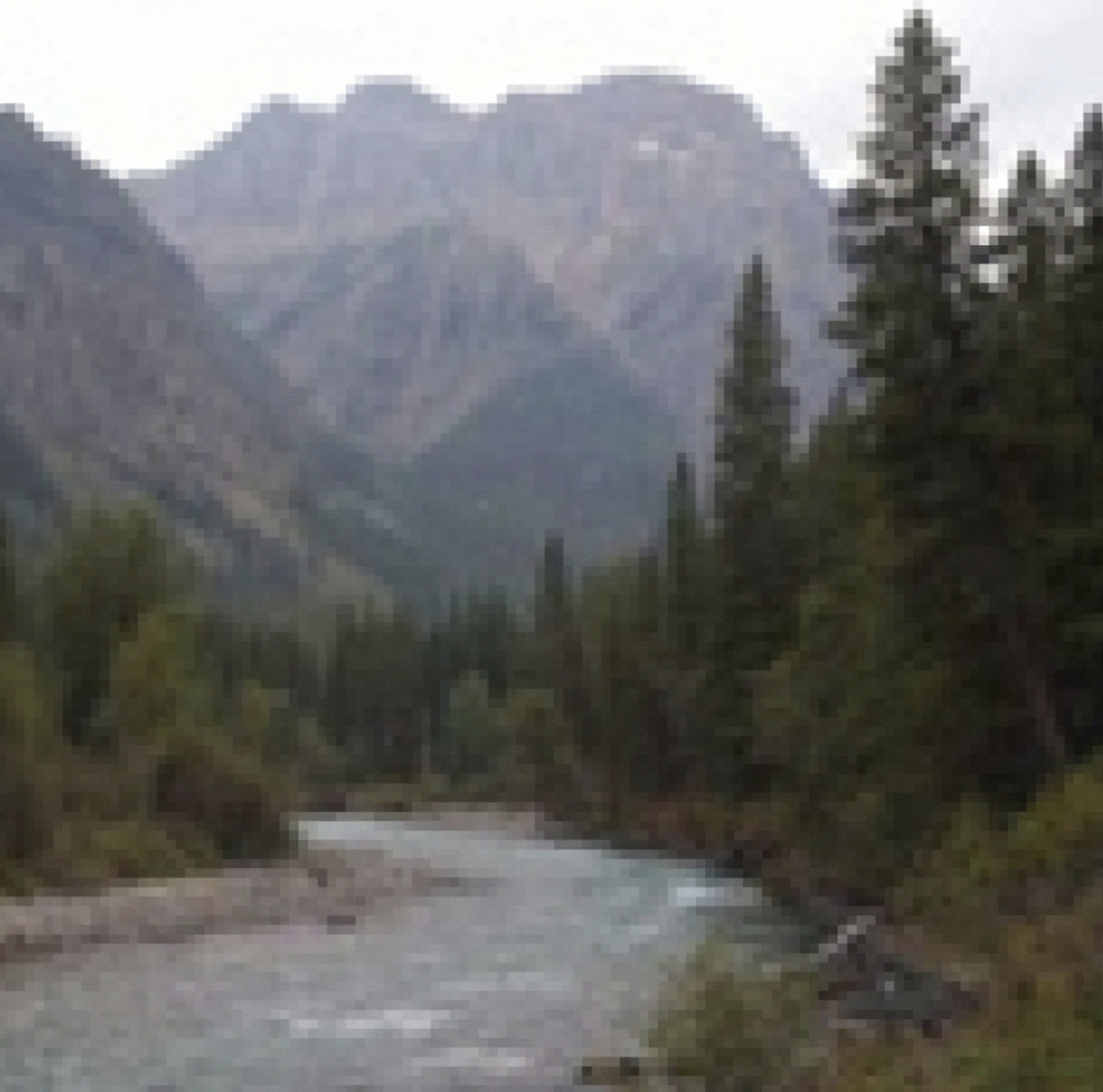 BEFORE
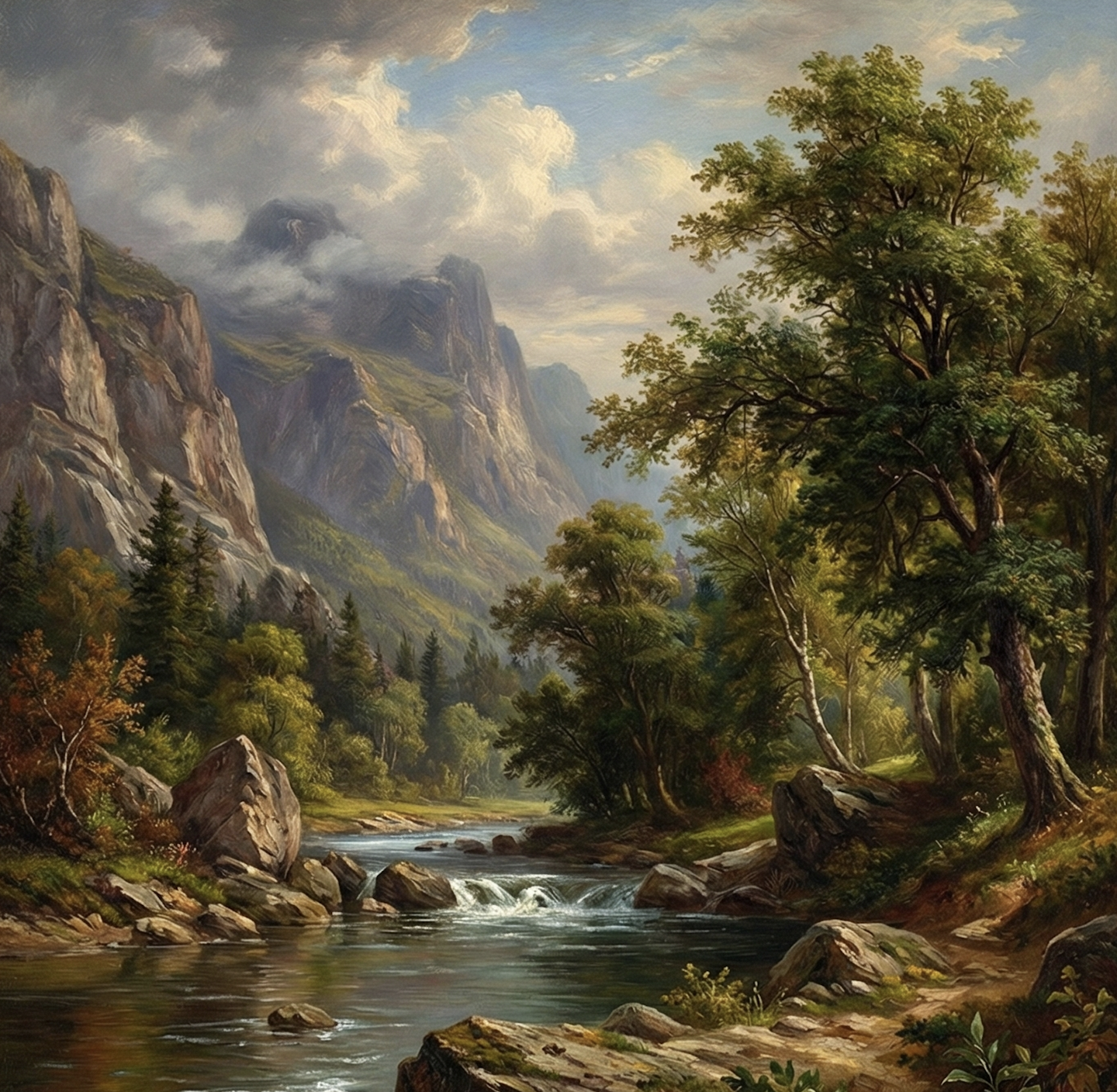 AFTER
AFTERRefine Midjourney & DALL-E Outputs
Take your AI art generations to the next level, adding intricate textures and details that weren't present in the original.
WHY CREATIVE UPSCALE
Upscale art with new AI detail
Refine Midjourney and DALL·E art, render rough sketches, and enrich flat illustrations. AI adds new texture and depth for a high-res finish.
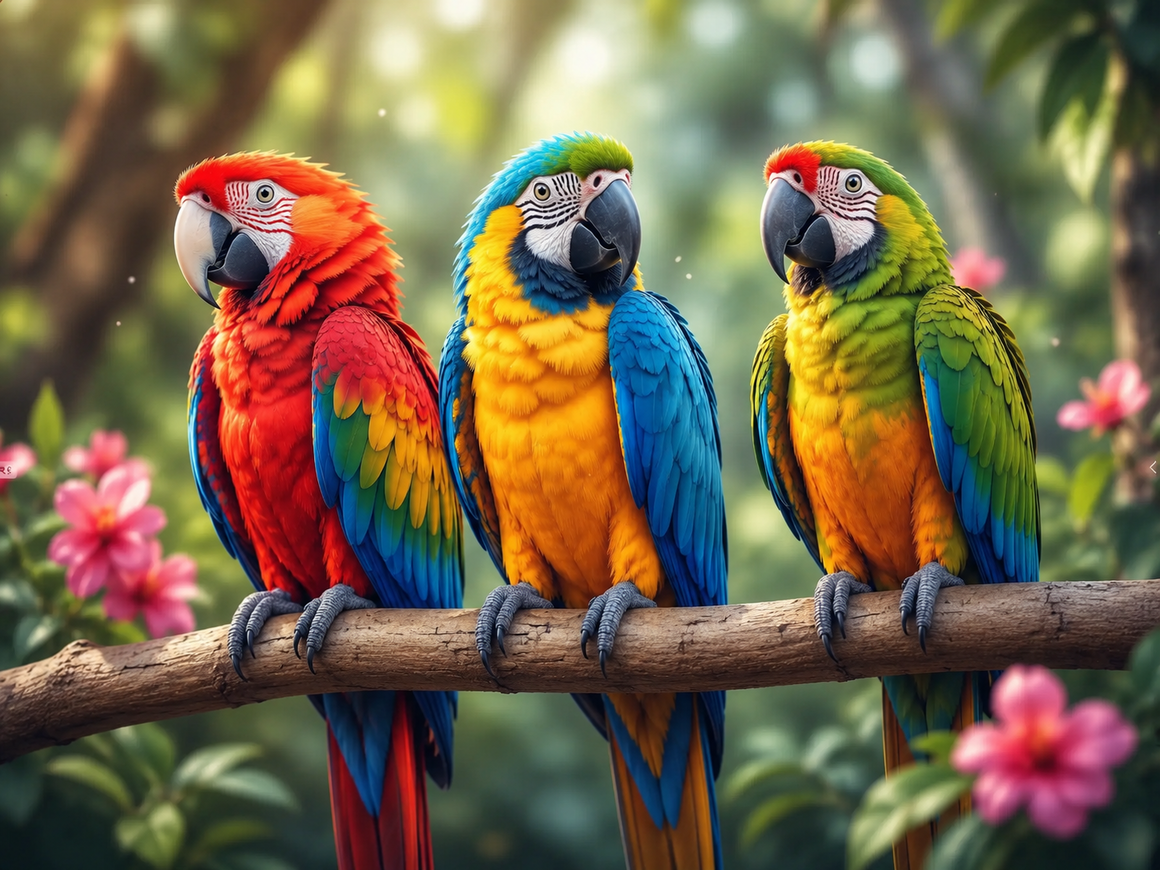
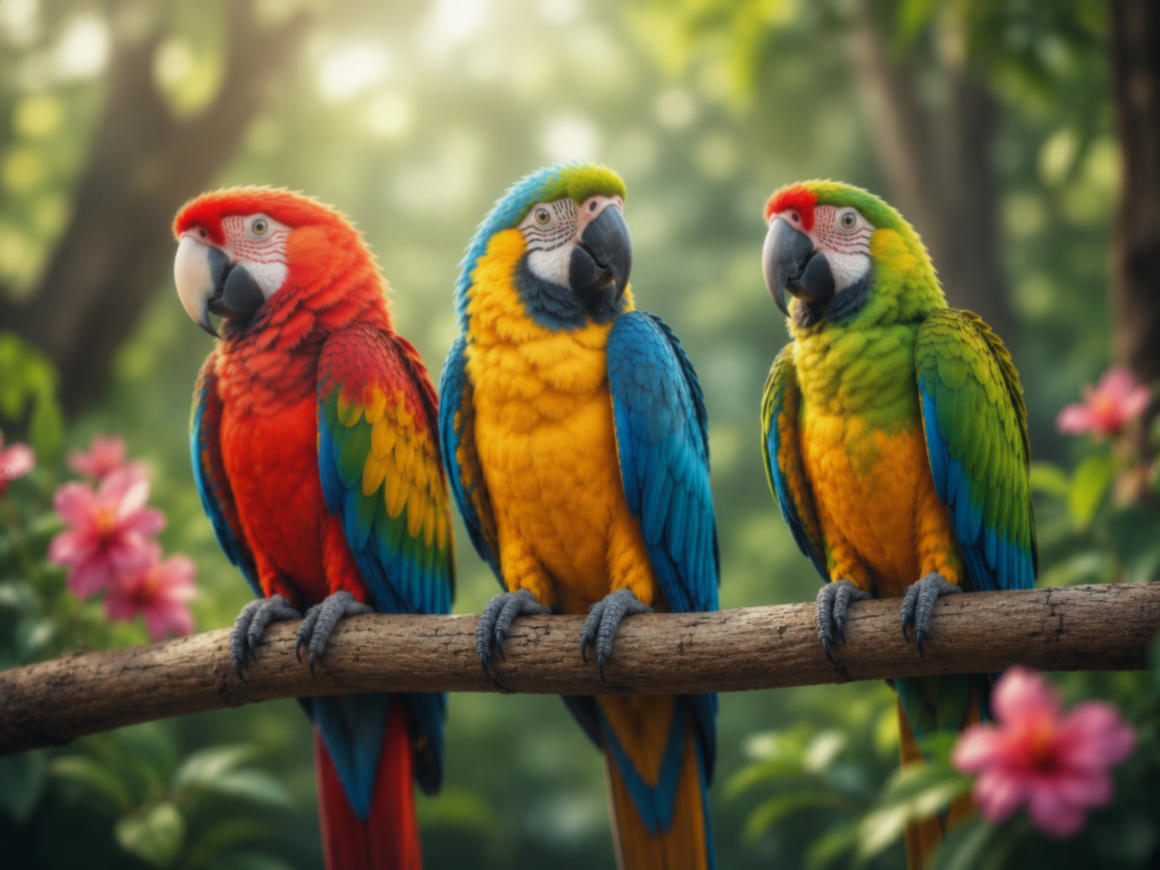
Refine Midjourney & DALL·E Art
Turn soft, low-res AI generations into gallery-ready art. Creative AI rebuilds every feather, fine edge, and colour transition, so your Midjourney and DALL·E images look crisp and lifelike instead of blurry.
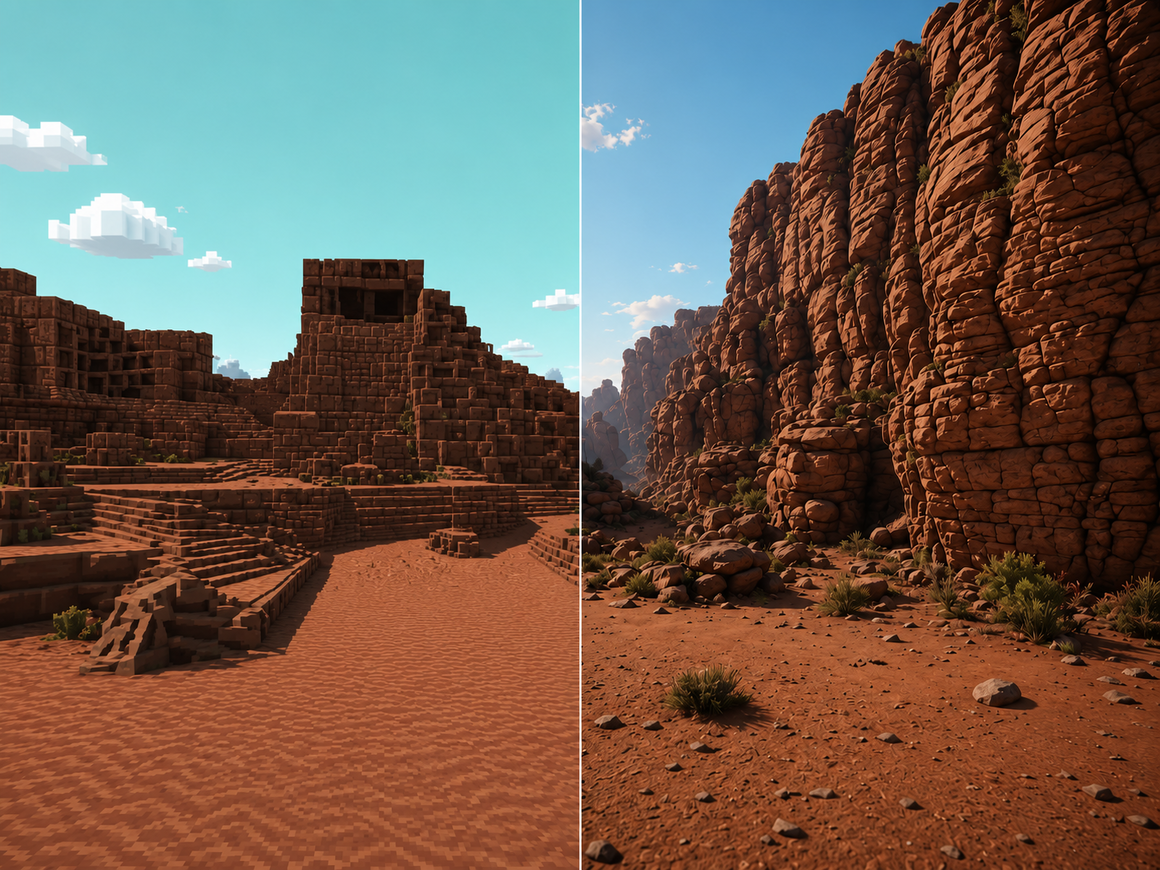
Add Artistic Texture
AI reworks flat, blocky, or low-detail surfaces into rich, painterly texture, transforming simple game scenery and rough renders into photorealistic scenes with real rock, foliage, and depth.
Turn Rough Concepts into Rendered Art
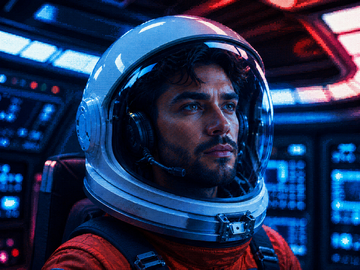
Feed AI a rough, pixelated, or flat concept and it renders it with realistic lighting, materials, and depth, like this fully rendered astronaut, ideal for concept artists and game designers.
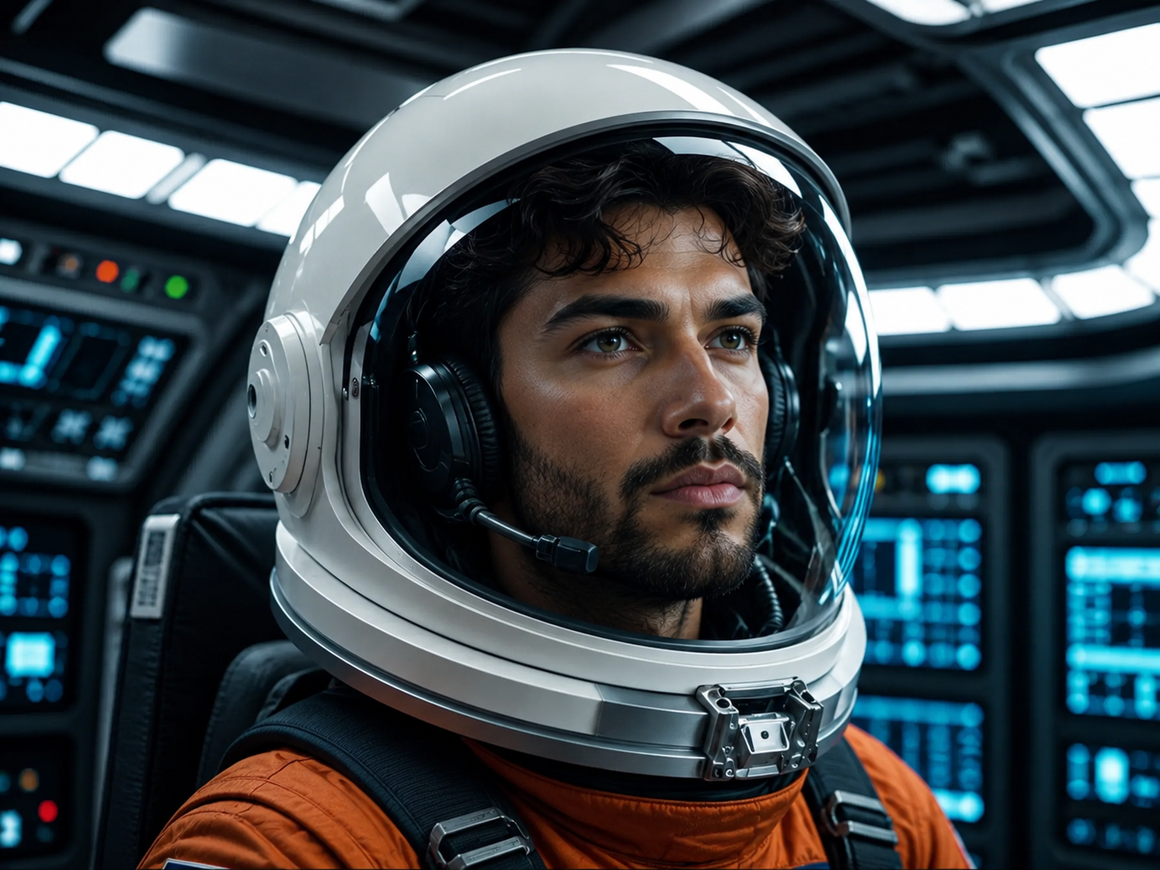
Polish Concept & Game Art
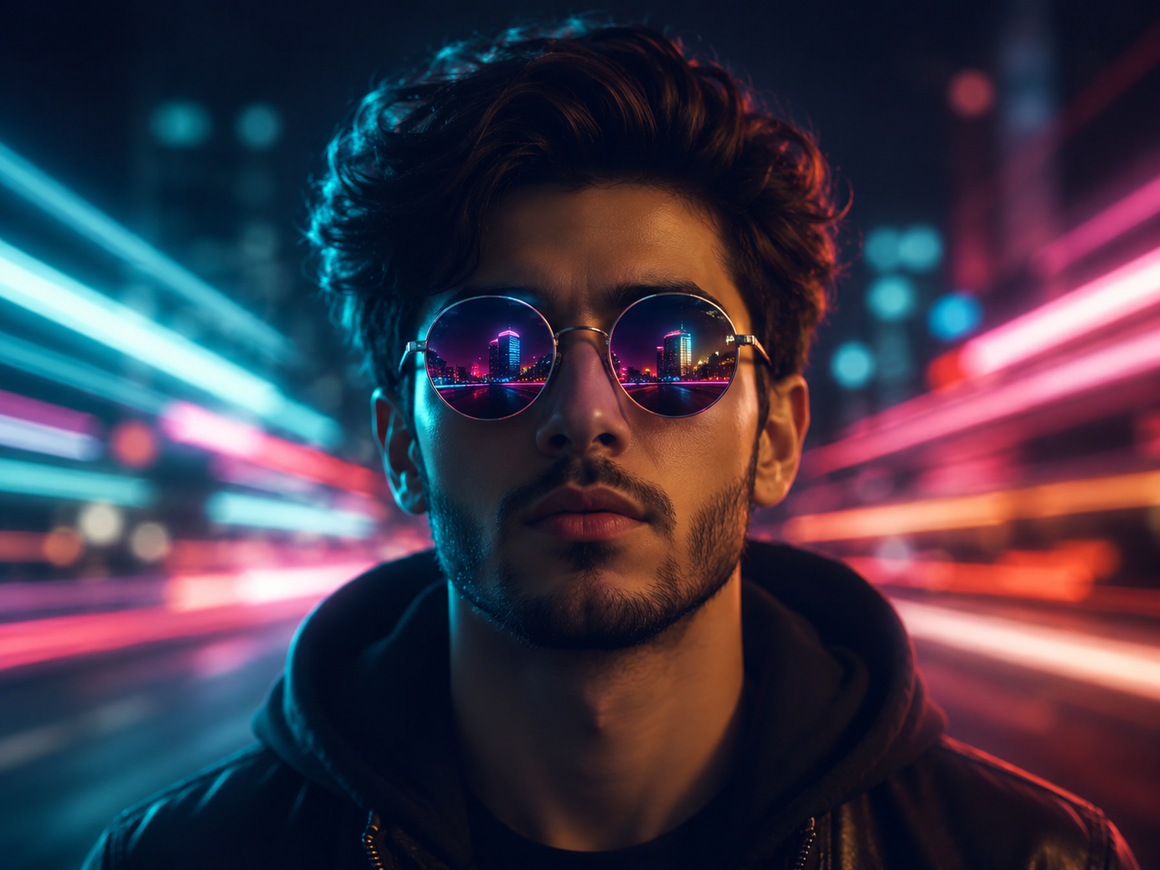
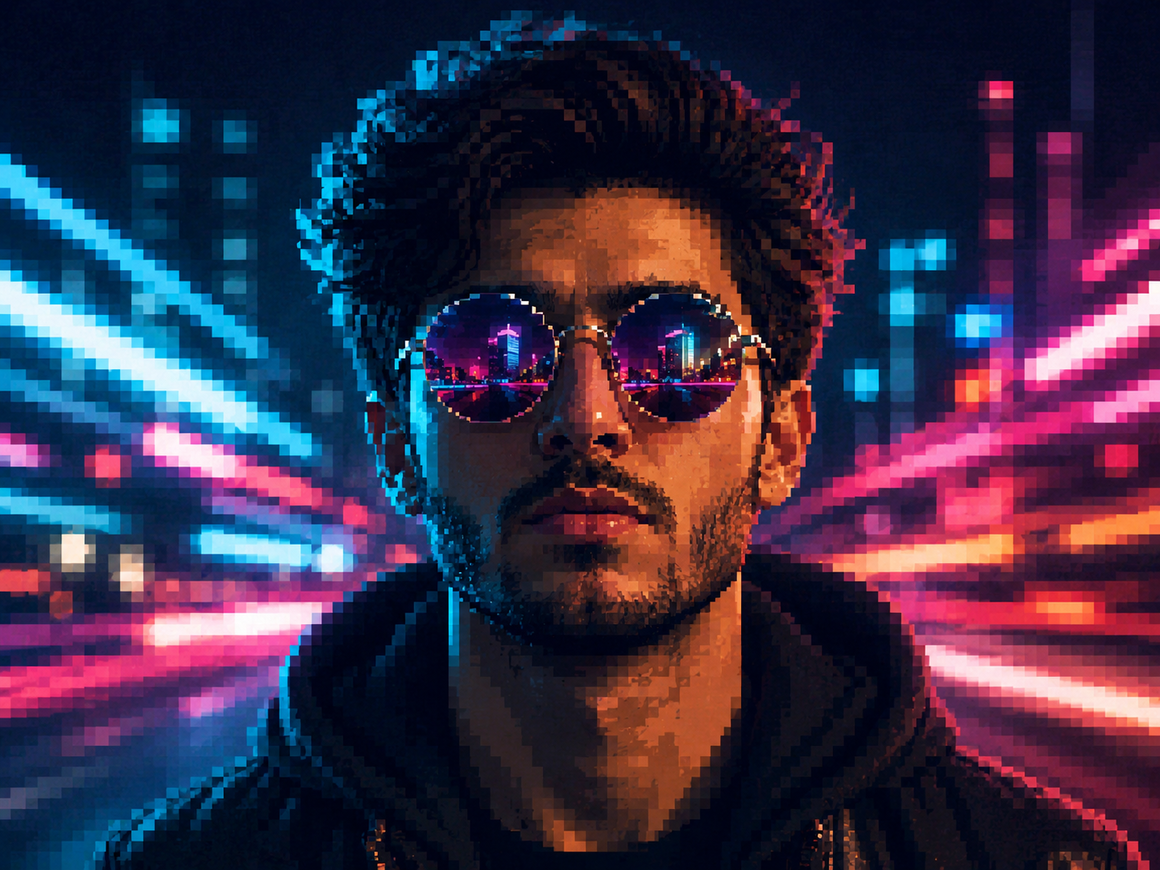
Add the final layer of detail to character designs and game art. AI turns pixelated, low-res renders into crisp reflections, neon lighting, and rich texture that make concept portraits ready to present.
Simple pricing.
Pay only for what you use.
Every plan unlocks every AI model and every editing tool. Pick the credit pack that fits.
Lite
Billed monthly
80 credits/month
GPT Image 2 · 8 images
Nano Banana 2 · 10 photos
Wan 2.7 · 1 video
Seedance 2 · 1 video (5s)
Full access to all AI image & video models
Pro
Billed monthly
160 credits/month
GPT Image 2 · 16 images
Nano Banana 2 · 20 photos
Wan 2.7 · 2 videos
Seedance 2 · 2 videos (5s)
Full access to all AI image & video models
Max
Billed monthly
500 credits/month
GPT Image 2 · 50 images
Nano Banana 2 · 62 photos
Wan 2.7 · 9 videos
Seedance 2 · 8 videos (5s)
Full access to all AI image & video models
Sign up for 10 free credits — no credit card required. Free credits go to eligible new accounts. Seeing wrong pricing? Contact us
Our Best Tools
Tools that pair well with this one.
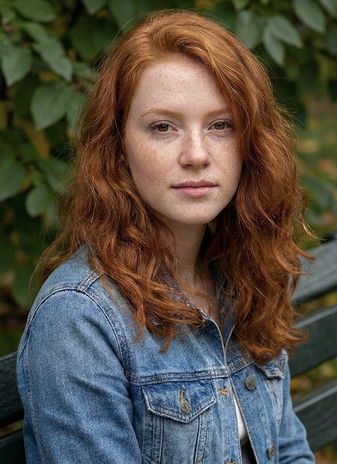
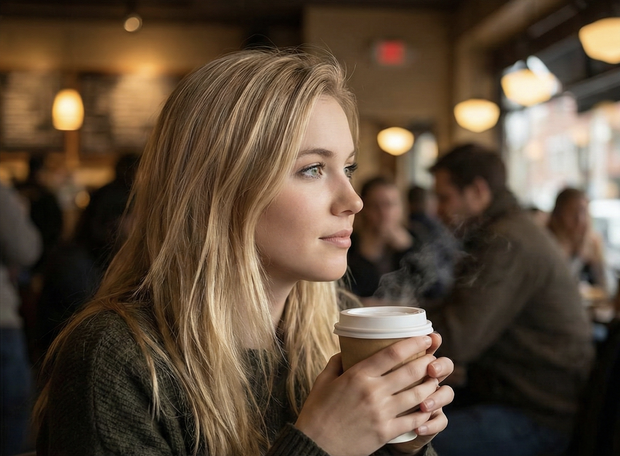

TESTIMONIALS
Real customers.
Real reviews.
Every review is written by a real user on social media — not edited, not incentivised. Click any review to see the original post.
Two years ago we spent thousands on branded images and professional headshots. Then I found GoStudio.ai — it helps you look like yourself, just on your best, most confident day.

Sometimes, you don't need a photo shoot to look like your future self. You just need a visual story that says, 'I made it.' That's where GoStudio.ai can help.

The founder personally fixed all of my photos. Her commitment to giving everyone an excellent experience makes her a cut above many others. I have to give the experience 5 stars.
The images look so close to my original that if I didn't tell you they were AI-generated, you'd probably never notice. AI is your assistant — not your identity.

Kanika personally hopped on a call to help. That level of professionalism and kindness really impressed me. The AI photo is beautiful — GoStudio.ai makes professional identity accessible.
GoStudio.ai helped me show up as who I'm actually becoming — not who I thought I was supposed to be. It replaced two photographers and a retoucher for our catalog.
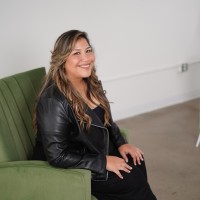
Kanika built GoStudio.ai — an app that turns your daily selfies into professional photos. She built it solo, and it's jaw-droppingly good.

I've seen other companies do AI headshots, but I've found her images to be the best. Dozens of images in 30 minutes — why do this yourself?

Two years ago we spent thousands on branded images and professional headshots. Then I found GoStudio.ai — it helps you look like yourself, just on your best, most confident day.
Sometimes, you don't need a photo shoot to look like your future self. You just need a visual story that says, 'I made it.' That's where GoStudio.ai can help.
The founder personally fixed all of my photos. Her commitment to giving everyone an excellent experience makes her a cut above many others. I have to give the experience 5 stars.
The images look so close to my original that if I didn't tell you they were AI-generated, you'd probably never notice. AI is your assistant — not your identity.
Kanika personally hopped on a call to help. That level of professionalism and kindness really impressed me. The AI photo is beautiful — GoStudio.ai makes professional identity accessible.
GoStudio.ai helped me show up as who I'm actually becoming — not who I thought I was supposed to be. It replaced two photographers and a retoucher for our catalog.
Kanika built GoStudio.ai — an app that turns your daily selfies into professional photos. She built it solo, and it's jaw-droppingly good.
What is GoStudio.ai's creative upscale?
AI Creative Upscale: FAQ
Everything about creative AI upscaling.
STILL LOOKING?
Didn't find what you came for? Tell us.
You scrolled the whole way so tell us what you're trying to create. A real person on our team will help you make it, point you to the right tool, or build it if it doesn't exist yet. Every GoStudio feature started exactly like this.